
One integration. Seamless scheduling everywhere.
Zocdoc pulls real-time availability and writes appointments directly to your EHR.

Availability out, bookings in
-
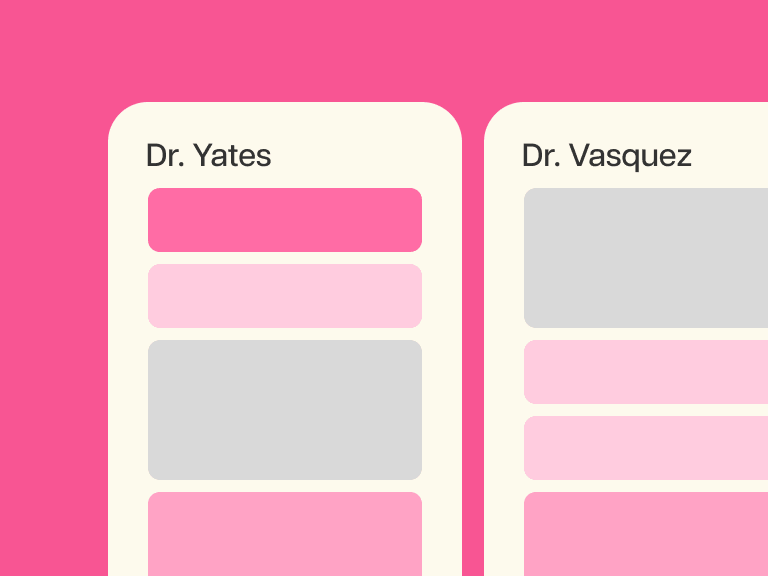
Zocdoc reads your real-time availability
Open time slots come straight from your scheduling system, for every provider and location.
-
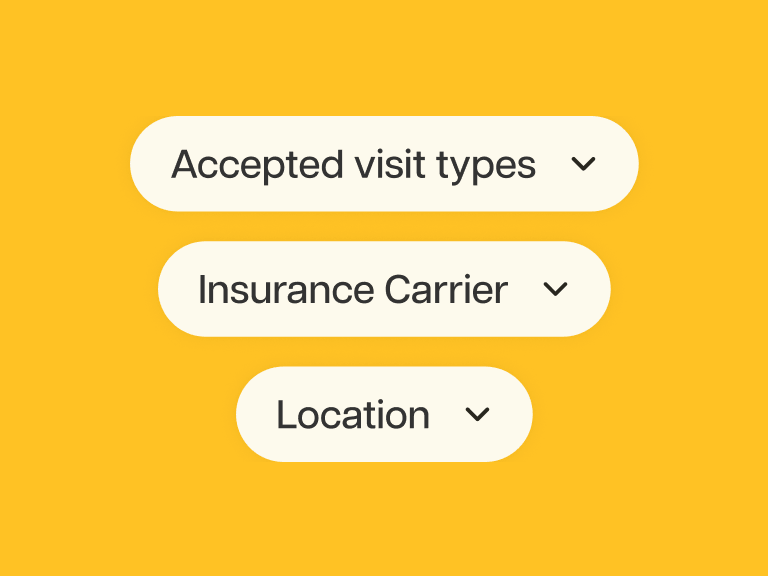
Patients book the right visit
They only see openings that match your rules: visit reason, patient type, and accepted insurances.
-
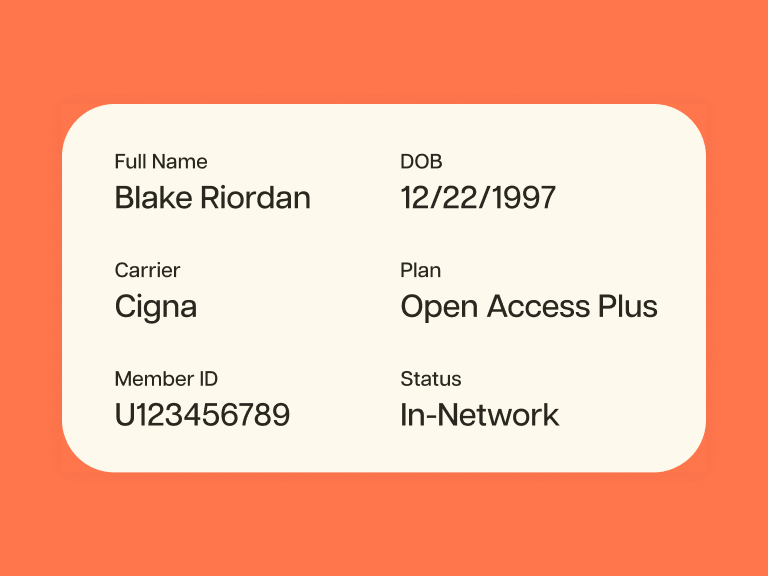
Appointments write back automatically
Patient details, visit reason, insurance, and intake forms land in your system, matched to the right chart.
Secure connections built for healthcare
Certified and trusted to deliver real-time patient self-scheduling for 200K+ providers nationwide.
- 175+ EHRs, PMS, custom integrations
- HIPAA-compliant
- 200+ specialities
- Multi-location organizations
- SOC 2 certified


See Zocdoc work with your EHR
Easy setup for independent practices, flexible support for larger organizations.
Which EHRs and scheduling systems does Zocdoc support?
Zocdoc has direct connections to 175+ EHRs, practice management systems, and custom solutions, built over nearly 20 years. Using a custom system, or don’t see yours? API-based options may be available: reach out and we’ll find the right fit.
How does Zocdoc sync real-time availability and write bookings back to our EHR?
Zocdoc reads live availability straight from your EHR, so patients only see real openings. When they book, the appointment writes back with details, visit reason, insurance, and intake forms.
What does setup and implementation involve?
Connecting Zocdoc to your EHR is a partnership: we bring a proven, flexible approach refined over years of integrations, and your team partners with us along the way, as you’d expect with any software integration. More complex organizations get dedicated implementation support to manage the work at scale. Because every EHR is a little different, we’ll scope exactly what your system supports during onboarding and map the path to go live together.
How does Zocdoc handle our scheduling rules?
Think of it as two layers working together. Zocdoc reads availability from your EHR — shaped by the scheduling rules you’ve already set there and a few integration-layer settings. Then your Zocdoc profile does the fine-tuning: you decide which openings patients actually see, by visit reason, patient type, accepted insurance, and working hours. Zocdoc makes sure patients only see the times you want them to.
What if we use a custom system or don't see our EHR listed?
We support other systems and flexible ways to connect, including API-based options or managing availability right in Zocdoc. Connect with our team and we’ll find the path that fits your practice.
What patient and appointment information does Zocdoc capture, and where does it go?
Patient details, visit reason, insurance, and intake forms—gathered at booking, written straight into your EHR and matched to an existing patient record, or a new one is created automatically — using legal name, date of birth, and contact information.