
Give Anthem Blue Cross and Blue Shield members an easier way to book with you
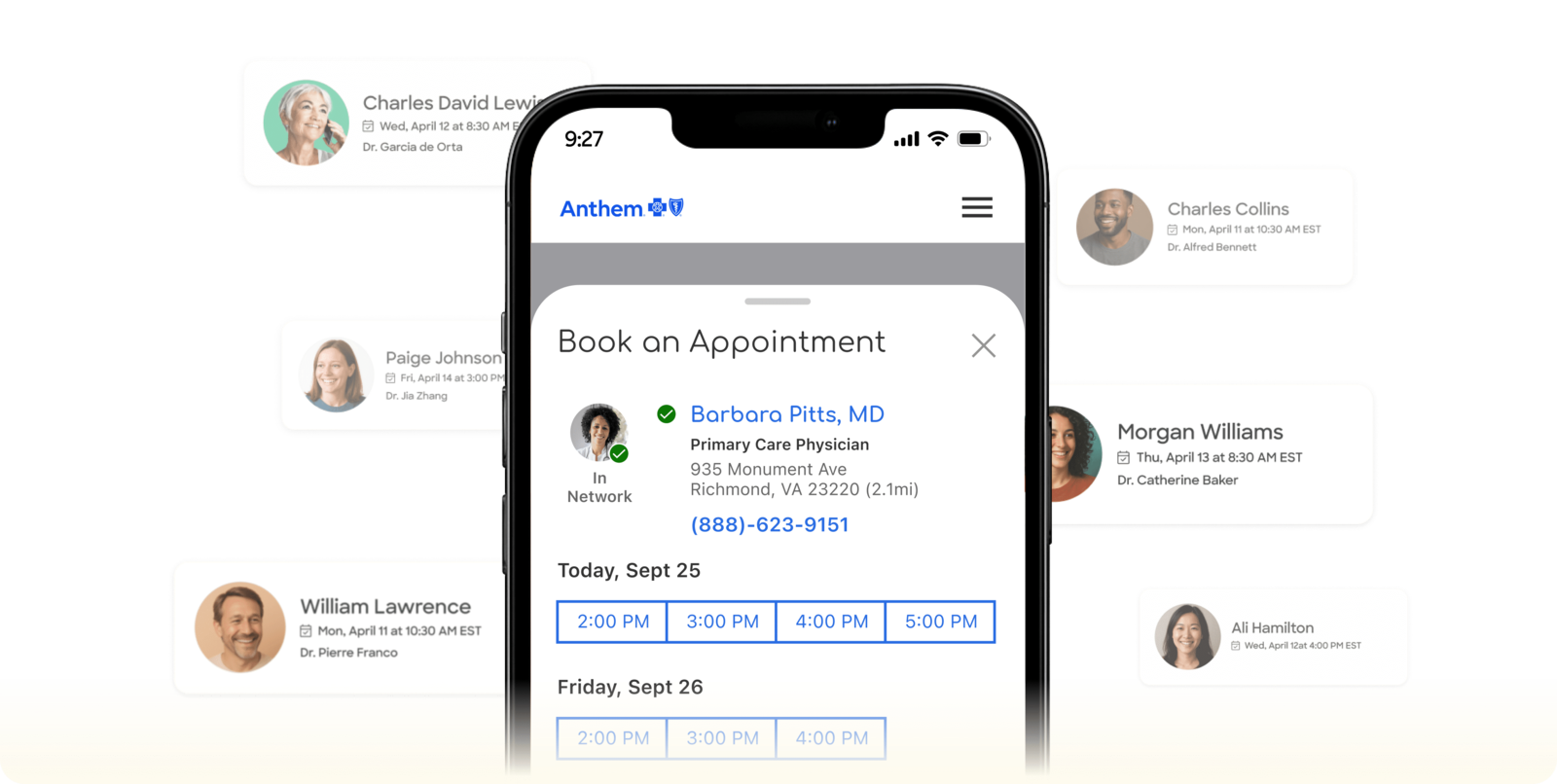
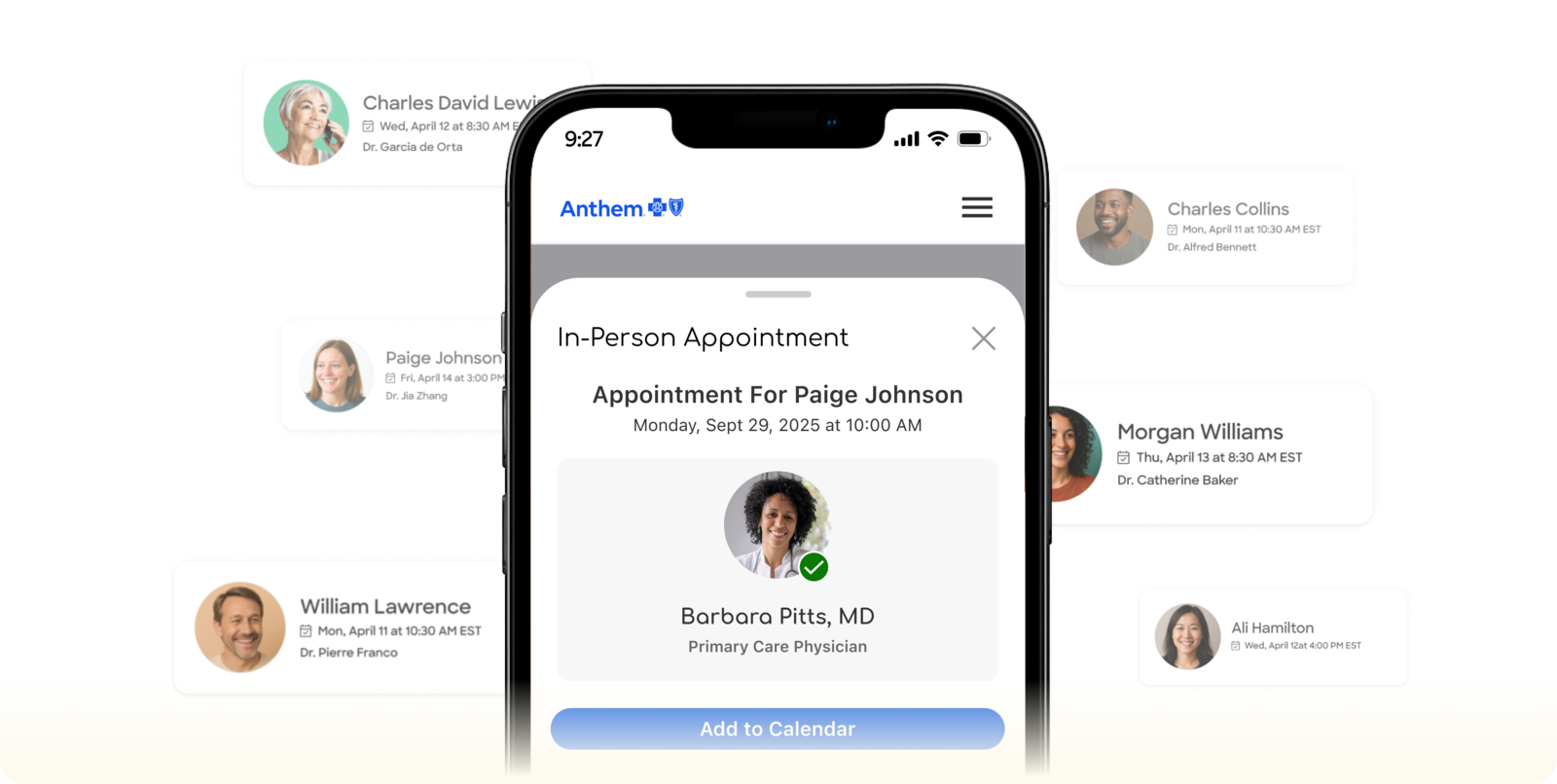
Anthem has launched an online scheduling experience, powered by Zocdoc, allowing members to search and book with care providers in a single, seamless experience.
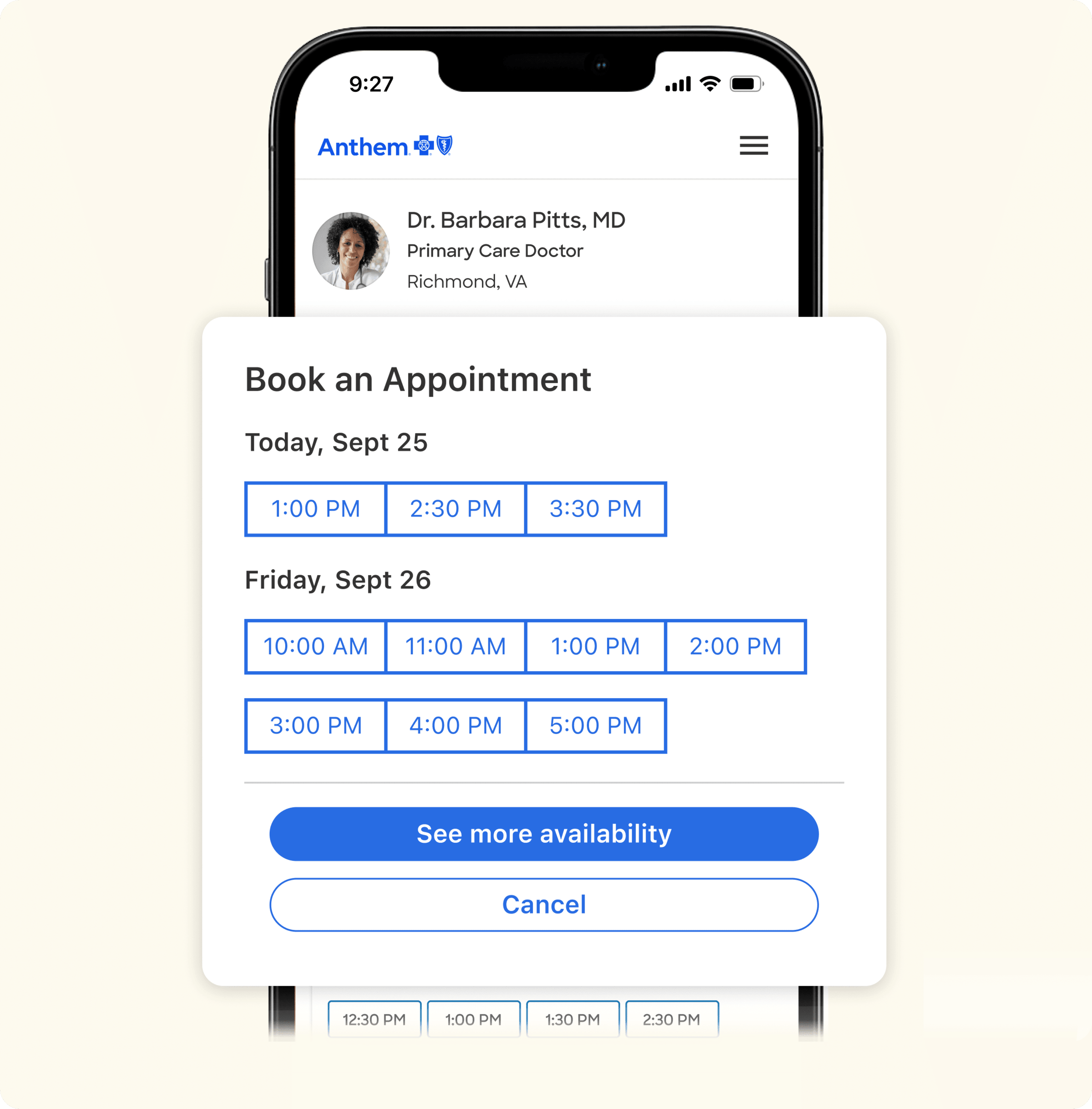
Members can now log in to their Anthem.com account or Sydney Health app and book appointments directly through the Find Care tool.




How it works
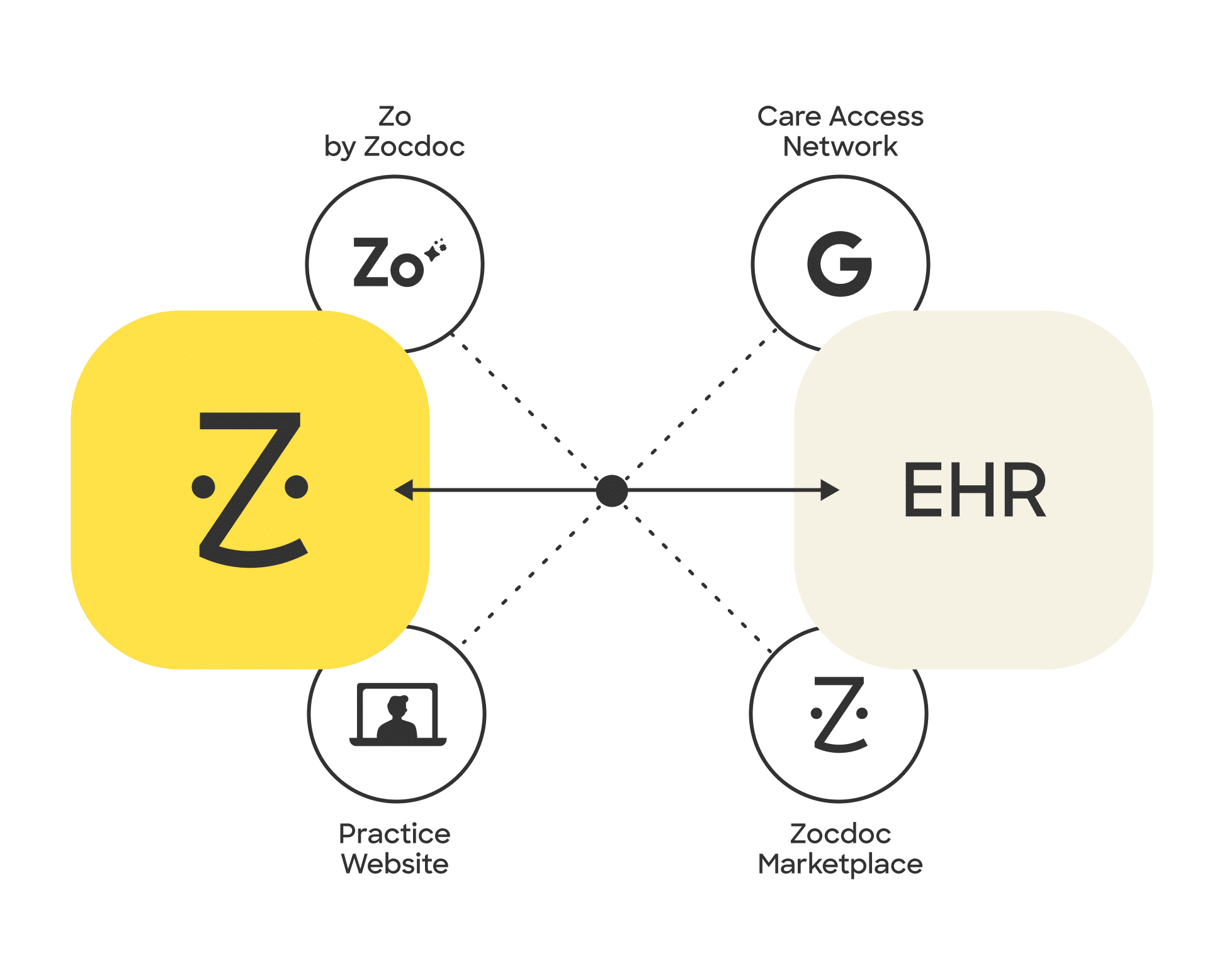
Zocdoc works with your scheduling software
We integrate with 175+ EHRs, practice management systems, and custom solutions
How does it work?
When you click get started, you’ll create your Zocdoc profile. Enter your basic information to create your account, then verify your email to access your Zocdoc dashboard. Complete your setup by adding care providers, visit types, and availability.
How will patients find me?
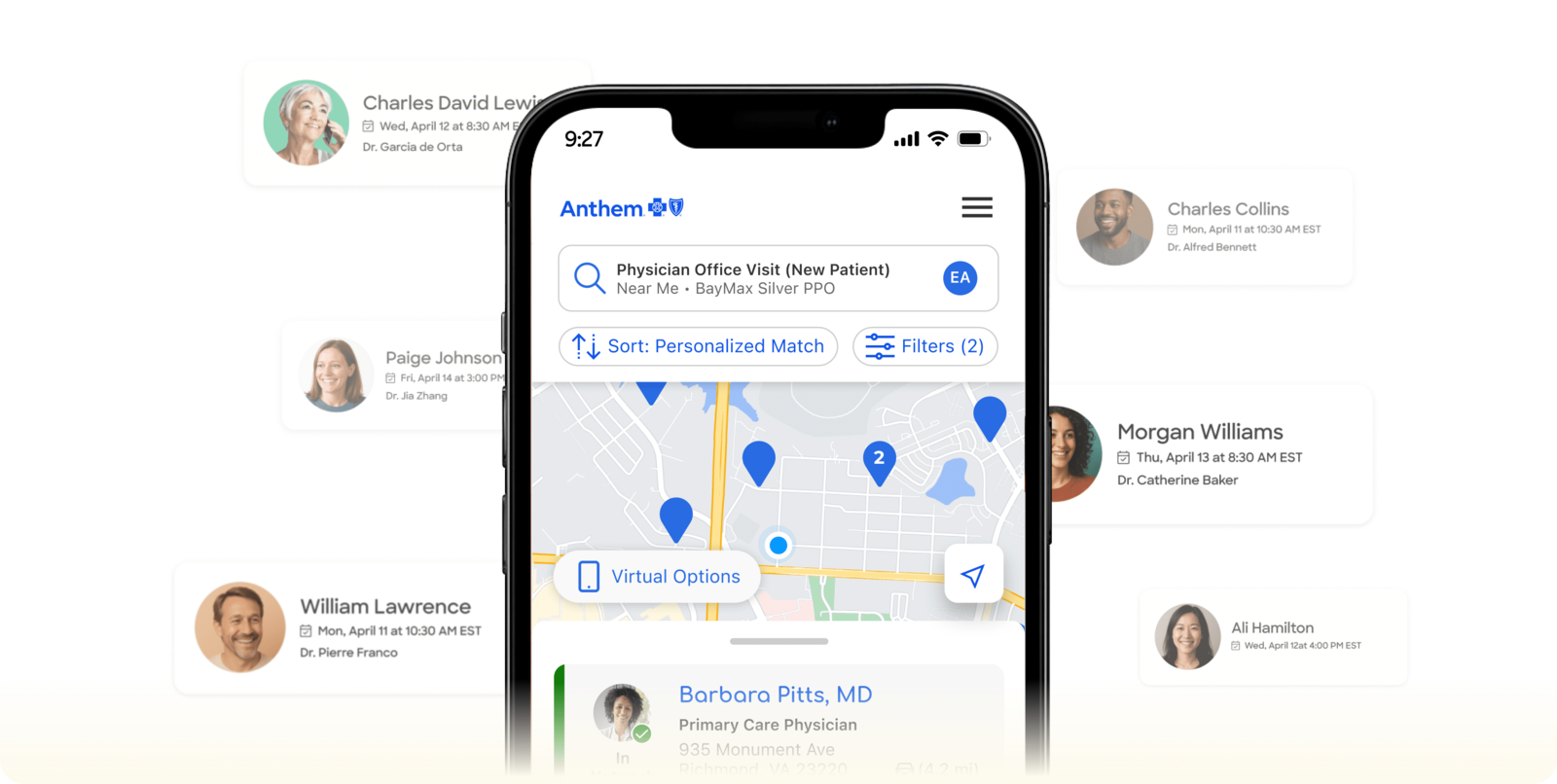
When a patient searches for care in Anthem’s Find Care tool, they will see availability from participating care providers at the top of the search results. This means that patients are more likely to see, and book with, your listing. Only patients who are logged into their Anthem.com account or Sydney Health app can book an appointment.
What does this cost?
There is no cost to your practice to sign up for Zocdoc and receive bookings from members who schedule appointments through Anthem’s Find Care tool. Zocdoc has collaborated with Anthem to make participation free for you.
What is the commitment required to join this program?
There is no set commitment. You can choose to stop sharing your availability with Zocdoc whenever you want. We encourage you to remain available on Zocdoc for Anthem member convenience.
How do I join?
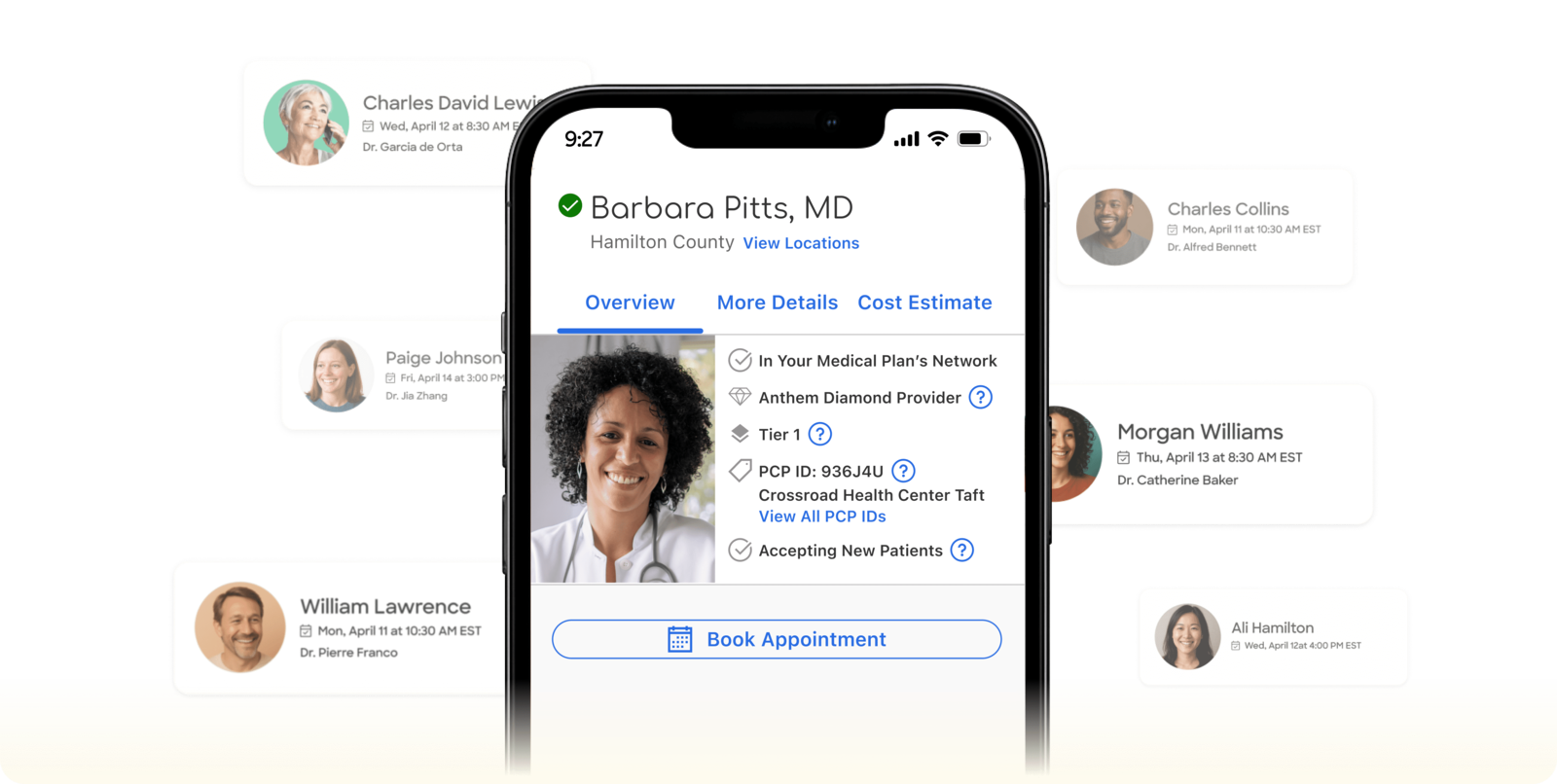
When you click “Get started,” you’ll create your Zocdoc profile and verify your email to access your dashboard. Complete your setup by adding providers, visit type, and availability. Once you complete these steps, your availability will appear on Anthem’s Find Care tool, so patients can book directly. Appointments will be added into your Zocdoc calendar and EHR, if connected, with all basic patient information.
How do I manage bookings from Anthem?
When a patient books, the appointment appears directly into your Zocdoc calendar and your EHR, if integrated. Syncing your EHR lets patients see your real-time availability on Anthem’s Find Care tool and writes bookings back to your EHR schedule. Integration setup time can vary by EHR, from a few minutes to a few days. If your EHR isn’t supported, you can manage everything from your Zocdoc calendar.
Will my availability appear on Zocdoc.com too?
Your availability will appear on Zocdoc.com only if you’ve chosen to accept bookings through Zocdoc’s Marketplace. If you’ve opted in only for Anthem bookings through this site, your availability will appear exclusively on Anthem’s Find Care tool.
What is Zocdoc?
Zocdoc is the healthcare access infrastructure that connects patients to great care. By powering seamless scheduling wherever patients are seeking care, Zocdoc helps them move from being stuck to being seen. Each month, millions of patients find and book appointments with providers, powered by Zocdoc—on the company’s website and app, and across online search, insurance directories, providers’ websites, practice phones lines and more—with the typical appointment happening within 24 to 72 hours from booking.
Help Anthem Blue Cross and Blue Shield patients book with you

Zocdoc is a separate company providing online scheduling services on behalf of Anthem Blue Cross and Blue Shield plans. Coverage provided by Anthem HealthChoice HMO, Inc. and/or Anthem HealthChoice Assurance, Inc., licensees of the Blue Cross and Blue Shield Association, an association of independent Blue Cross and Blue Shield plans. Anthem is a registered trademark of Anthem Insurance Companies, Inc.
Job ID: NY-BCBS-CM-013374-26-S3539