

Promote Your Practice on Social Media
Promoting your practice on social media can improve visibility, educate potential patients, and generate bookings. This hub contains a few resources to support your practice’s online success.
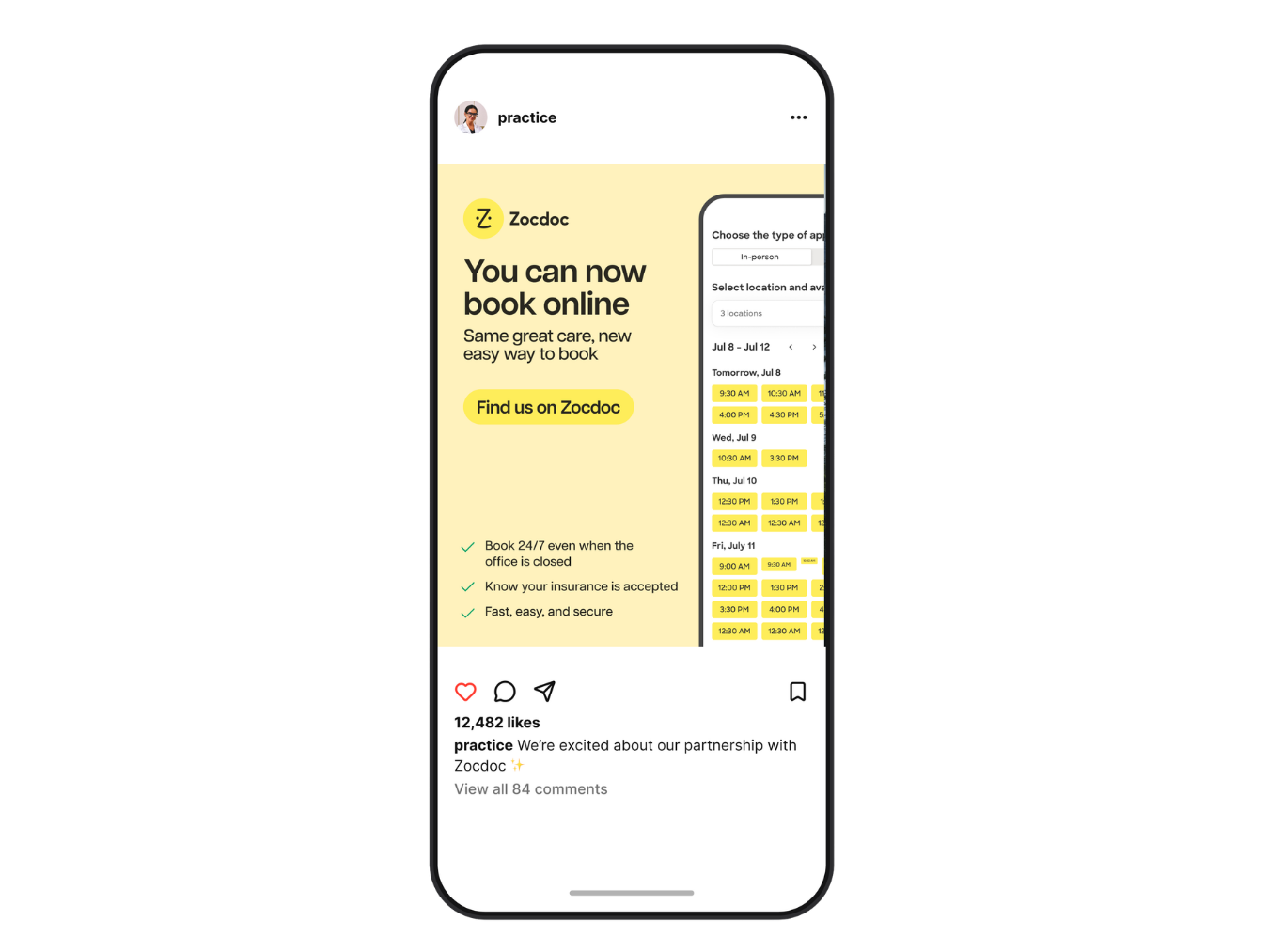
The Social Toolkit
When you use these marketing materials, tag @zocdoc in the caption for a chance to be reposted!
-
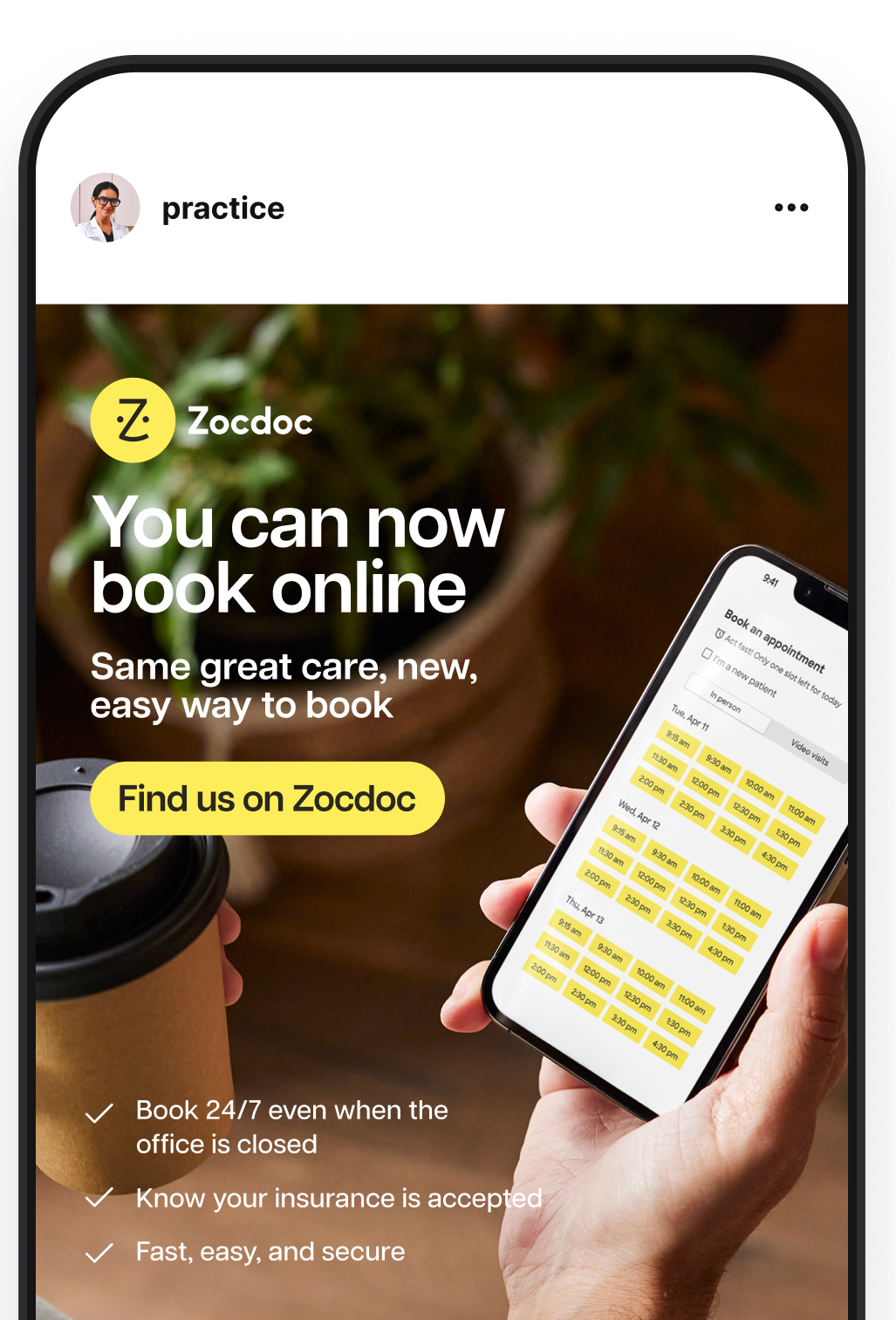
Ready-to-Use Social Posts
Download ready-to-use social posts that let patients know they can book with you on Zocdoc. The kit also contains print-ready signage for your office.
Download Posts -
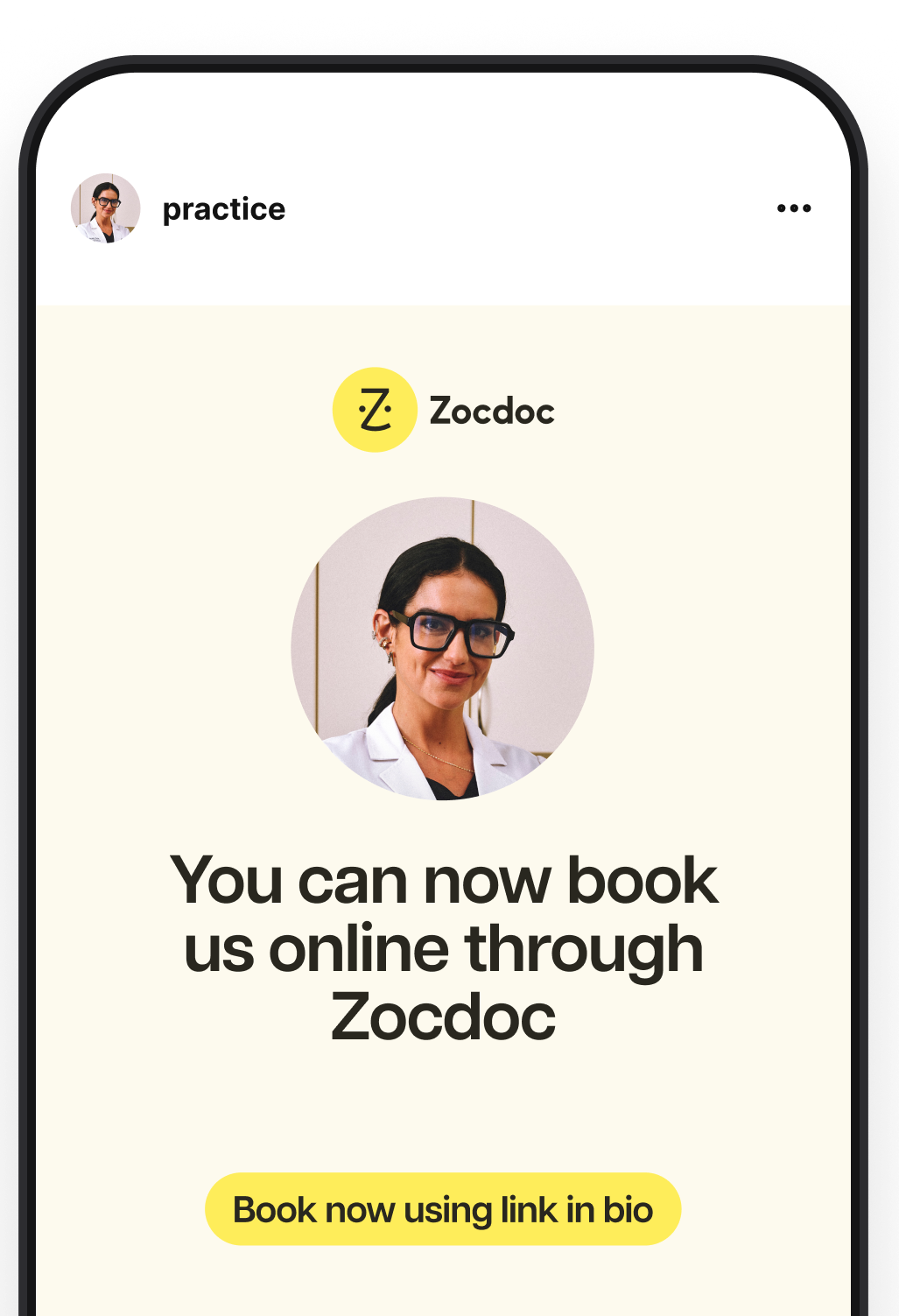
Customizable Templates
Create custom posts with our Canva templates. Choose a design, make a copy, then add your practice details and any other information you’d like to share.
Customize Now -
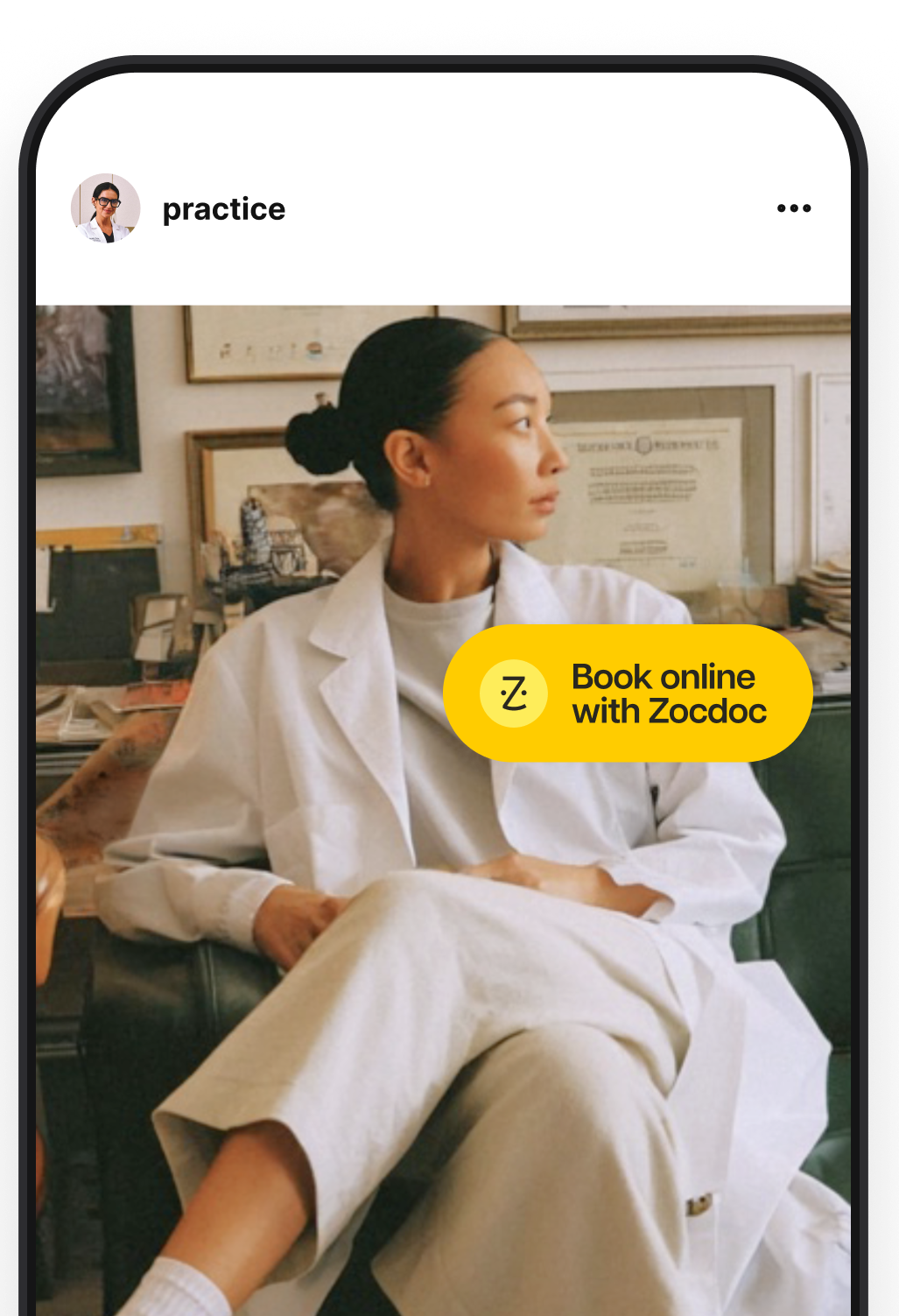
Branded Stickers
Add a branded Zocdoc touch to your content. Download the stickers, then layer them over your photos, videos, and other social content before posting.
Download Stickers
How to Use This Kit
-
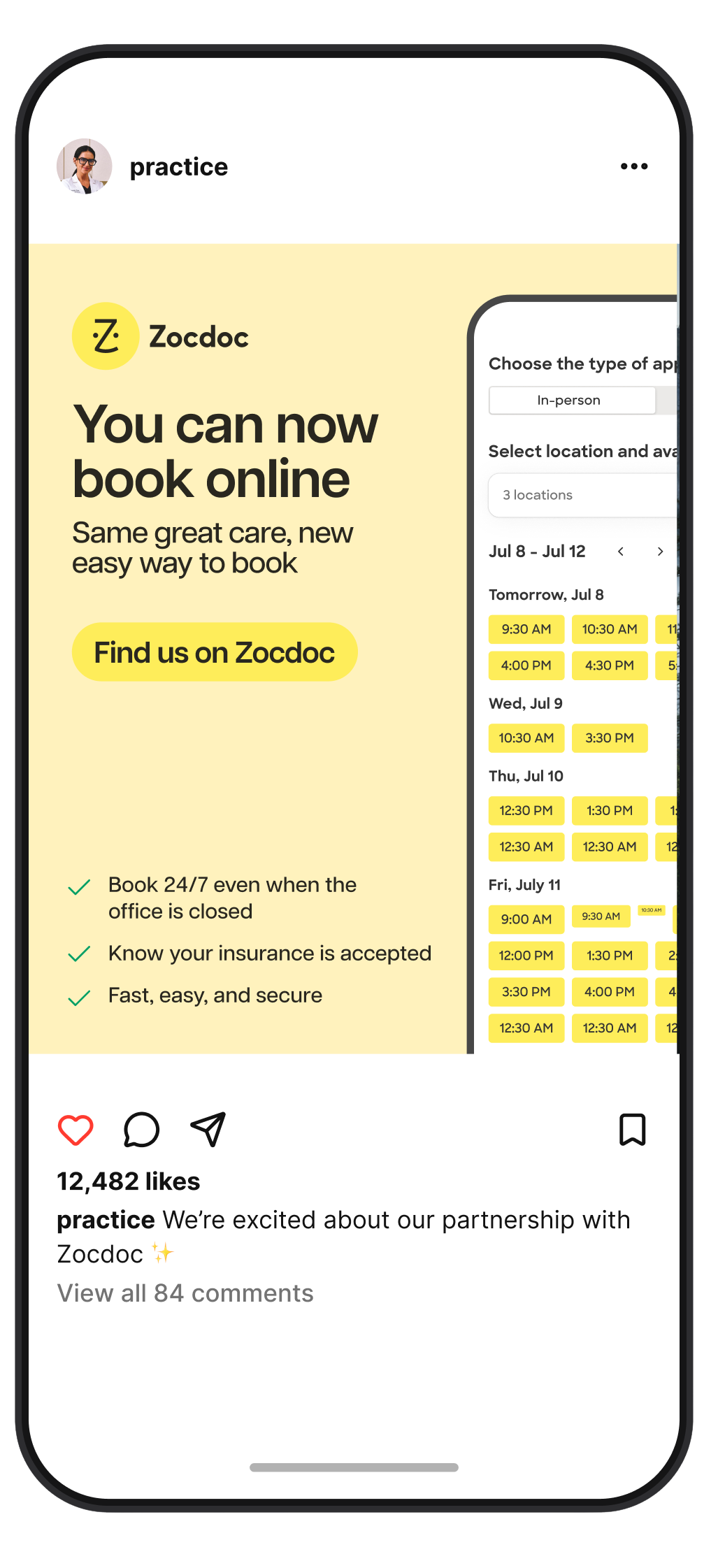
For Our New Providers
We recommend using our Now Bookable on Zocdoc kit. It’s a great way to let your patients know they can now book online!
Download -
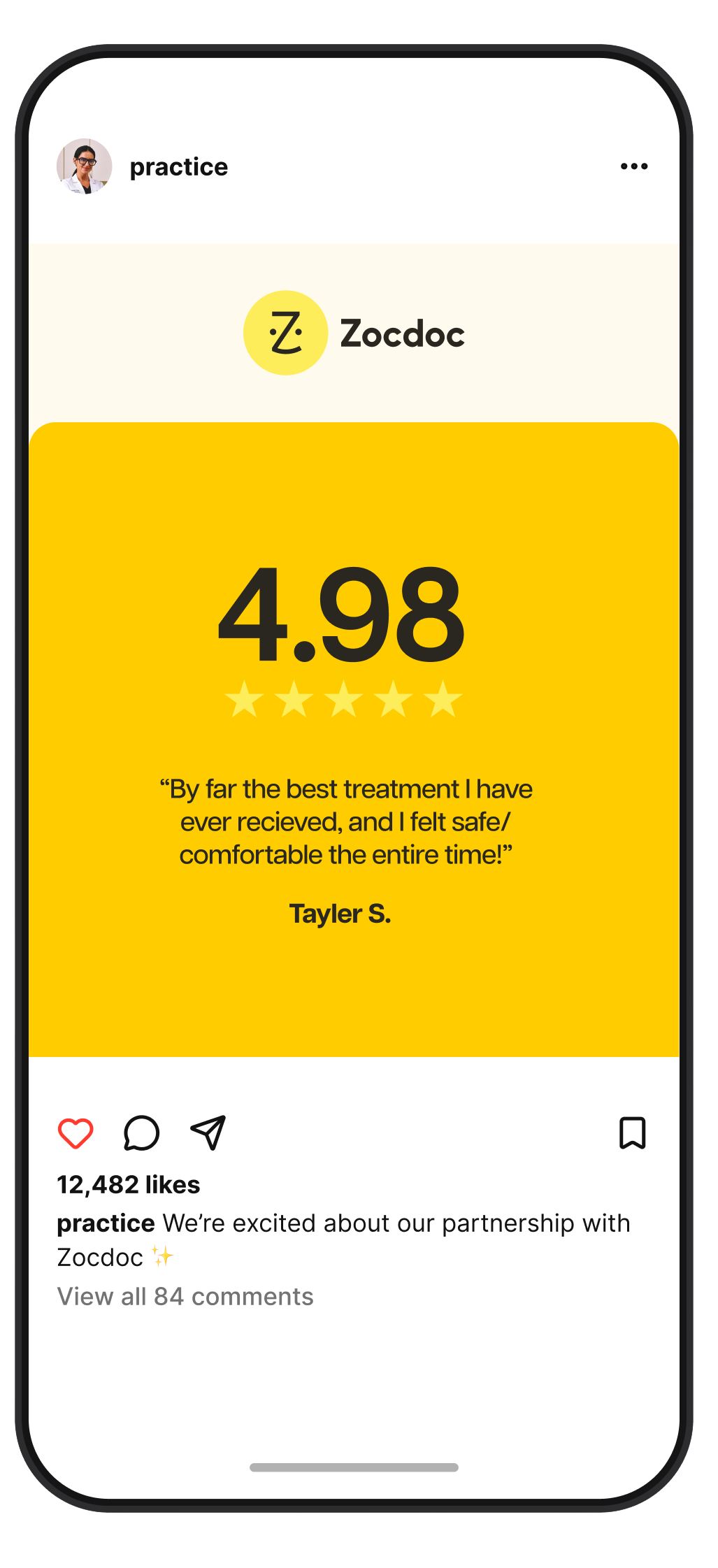
For Our Tenured Providers
Show off your ratings and reviews with these templates. Simply pull your favorites from your Zocdoc profile and drop them in.
Download
Get in touch
Don’t see what you’re looking for? Let us know how we can help.